Up carpcgalleryfiles » installs » v1 » The Install Prev Next Slideshow

 Previous image  Next image  Index page
screenremountedside
Dashmounsatnavbracket2ndtryparts
Dashmounsatnavbracket2ndtryfront
Dashmounsatnavbracket2ndtryside
Dashmounsatnavbracketstep1dash
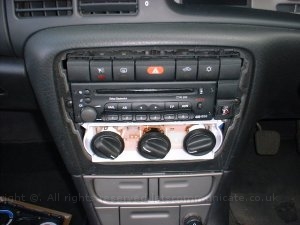
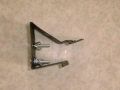
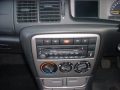
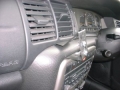
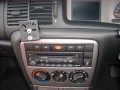
  Dashmounsatnavbracketstep2remove.jpg - To fit the dashmount.co.uk bracket on a Vectra B remove the silver surround and slip the backet under the top of the dash and refit the surround. Its worth noting when using the phone version of the bracket you remove the screw next to the radio but I also found you had to grind some of the plastic away as well..... this is totally invisable when put back together  
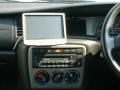
Dashmounsatnavbracket2ndtryinstalledside
Dashmounsatnavbracket2ndtryinstalled
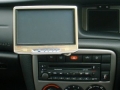
screenremounted
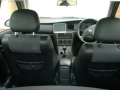
Installedtry1pic3
Installedtry1pic1

To fit the dashmount.co.uk bracket on a Vectra B remove the silver surround and slip the backet under the top of the dash and refit the surround. Its worth noting when using the phone version of the bracket you remove the screw next to the radio but I also found you had to grind some of the plastic away as well..... this is totally invisable when put back together
<-/-> Previous image / Next image | Backspace Index page | Home First Image | End Last Image | Space Start/Stop slideshow
Total images: 53 | The Vauxhall Vectra CarPC Project Home | http://www.letscommunicate.co.uk/